

Happy New Year glitter for Facebook and WhatsApp
New Year's Eve is on 31 December, and at midnight the glitter comes out: fireworks, champagne, clocks striking twelve and Happy New Year in every color. Here is where to find them, how to post them on Facebook and WhatsApp at midnight, and how to make one of your own - with a name, in gold 3D letters, or in a snow globe.

1 Find a New Year graphic
All the New Year graphics are together at New Year: fireworks, champagne glasses, clocks striking twelve, party hats and Happy New Year in glitter. Looking for one kind? There are New Year GIFs, blinkies and dividers as well. Click one you like to open its page.
2 Post it on Facebook at midnight
Under the graphic on its page is the box Copy this to Facebook or Discord. Click in it to select it all, copy it, and paste it in a post, a comment or a chat on Facebook. Your friends see the graphic moving.
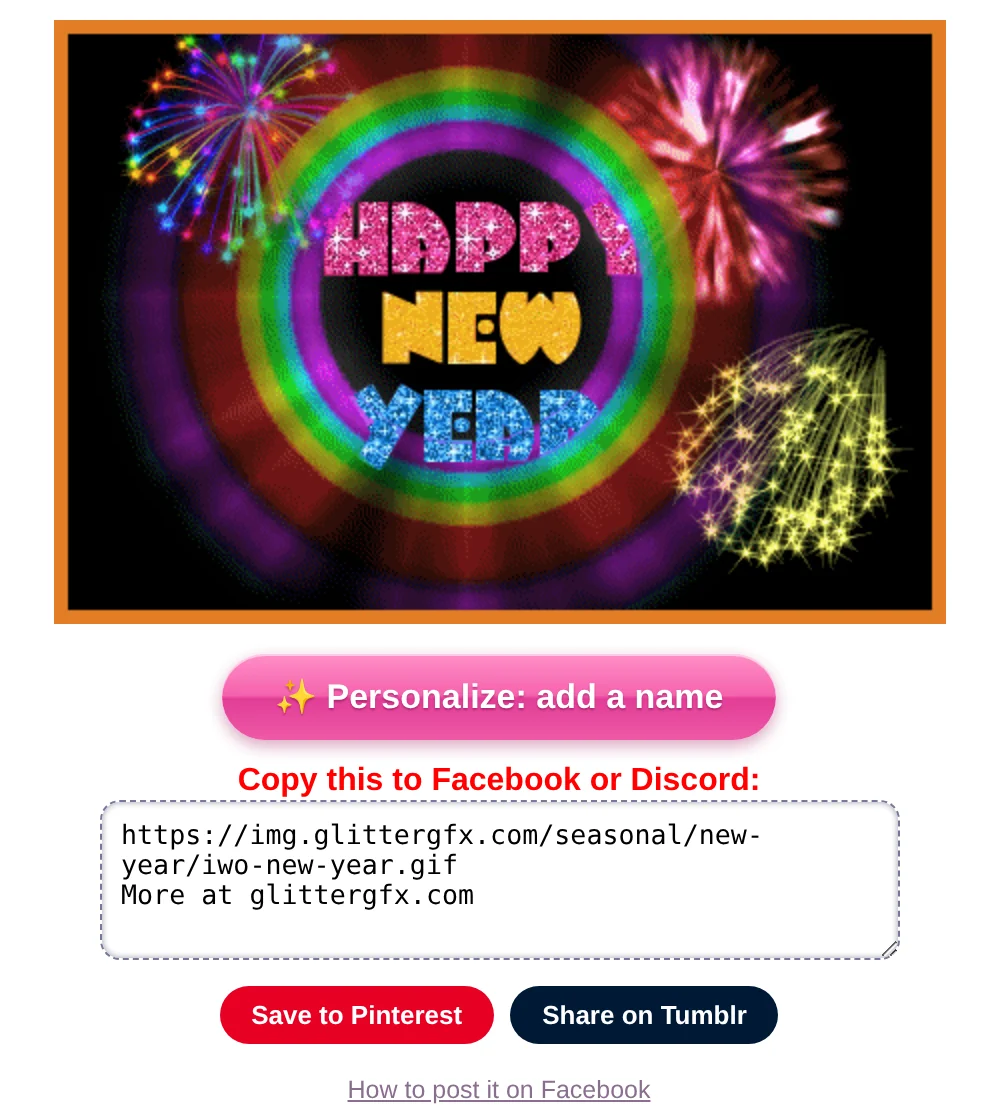
Ready before twelve. At midnight everyone wants to post at once. Pick your graphic in the evening and keep its page open: when the clock strikes twelve, all you do is copy and paste.
More about it, step by step: how to post glitter GIFs and glitter text on Facebook.
3 Send it on WhatsApp
WhatsApp shows no picture for a link, so there you send the GIF itself. Save it from the page of the graphic - on a phone, press and hold the graphic and save it - and send it as a photo. How to save it so it keeps moving is in how to save a GIF so it keeps moving.
Made your own with one of the makers below? On a phone, Save to Photos or share (Save or share in the text generator) opens the list of apps, WhatsApp among them.
4 Put a name on it
Under most graphics for all ages is the pink button Personalize: add a name. It opens the graphic in the Glitter Editor: type a name, pick a font and a glitter, and save it as a GIF - "Cheers, Mary!" on two glasses of champagne. How it all works is in how to put your name on a glitter graphic.
5 Happy New Year in glitter letters
Open the glitter text generator, type Happy New Year and pick a letter style - the gold letters with silver glitter fit the night. The box Copy this to Facebook or Discord gives a link that moves in a post; Make it one glitter GIF makes it one picture, to save or to send on WhatsApp.
The glitter letters have no numbers. For the year, make it in 3D: in 3D glitter text, type Happy New Year, press Enter and type the new year, 2027. Pick Glitter and the gold color, and under Behind it the night sky Stars. From 26 December there is also the idea Happy New Year: gold chrome letters under disco lights, in one tap.

In another language. Family far away? Wish them Feliz Año Nuevo (Spanish), Bonne année (French) or Frohes neues Jahr (German). The glitter text generator has no ñ or é, but 3D glitter text writes them. Type it on two lines: Feliz Año, press Enter, Nuevo. On one line, the little glittergfx.com in the corner covers the last letters.
6 A New Year snow globe
In the Glitter Globe, type Happy, press Enter and type the new year, 2027. Pick the gold glitter, the base Black and, under Behind it, Night. Tap the globe to shake it, and press Save as GIF. From 26 December the idea Happy New Year sets the gold, the base and the night in one tap. All of it is in how to make a glitter snow globe.

And for your page or your profile, a New Year blinkie:


See the New Year graphics or make Happy New Year in 3D
Good to know next
 How to post glitter GIFs and glitter text on FacebookThe link that moves on Facebook and Discord, and the GIF for WhatsApp.
 How to save a GIF so it keeps movingOn a computer or a phone, and why a screenshot stands still.
 How to make 3D glitter textPuffy 3D letters of glitter, chrome or fire that move, saved as a GIF.
 How to make a glitter snow globe with your name or photoA snow globe with your name or your photo in it, shaken and saved as a GIF.