

Halloween glitter for Facebook and WhatsApp
Halloween is on 31 October, and this is the week to get your glitter ready: pumpkins, ghosts, witches and black cats that sparkle and move. Here is where to find them, how to post them on Facebook and WhatsApp, and how to make one with your own name or your own words.


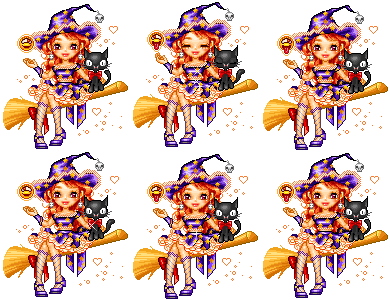
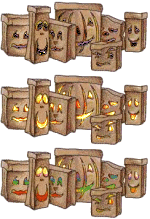

1 Find a Halloween graphic
All the Halloween graphics are together at Halloween: glitter pumpkins, ghosts, black cats, witches and bats. Looking for one kind? There are Halloween GIFs, sparkles, blinkies, dividers and stickers as well. Click one you like to open its page.
2 Post it on Facebook
Under the graphic on its page is the box Copy this to Facebook or Discord. Click in it to select it all, copy it, and paste it in a post, a comment or a chat on Facebook. Your friends see the graphic moving, with a line under it that brings them to more.
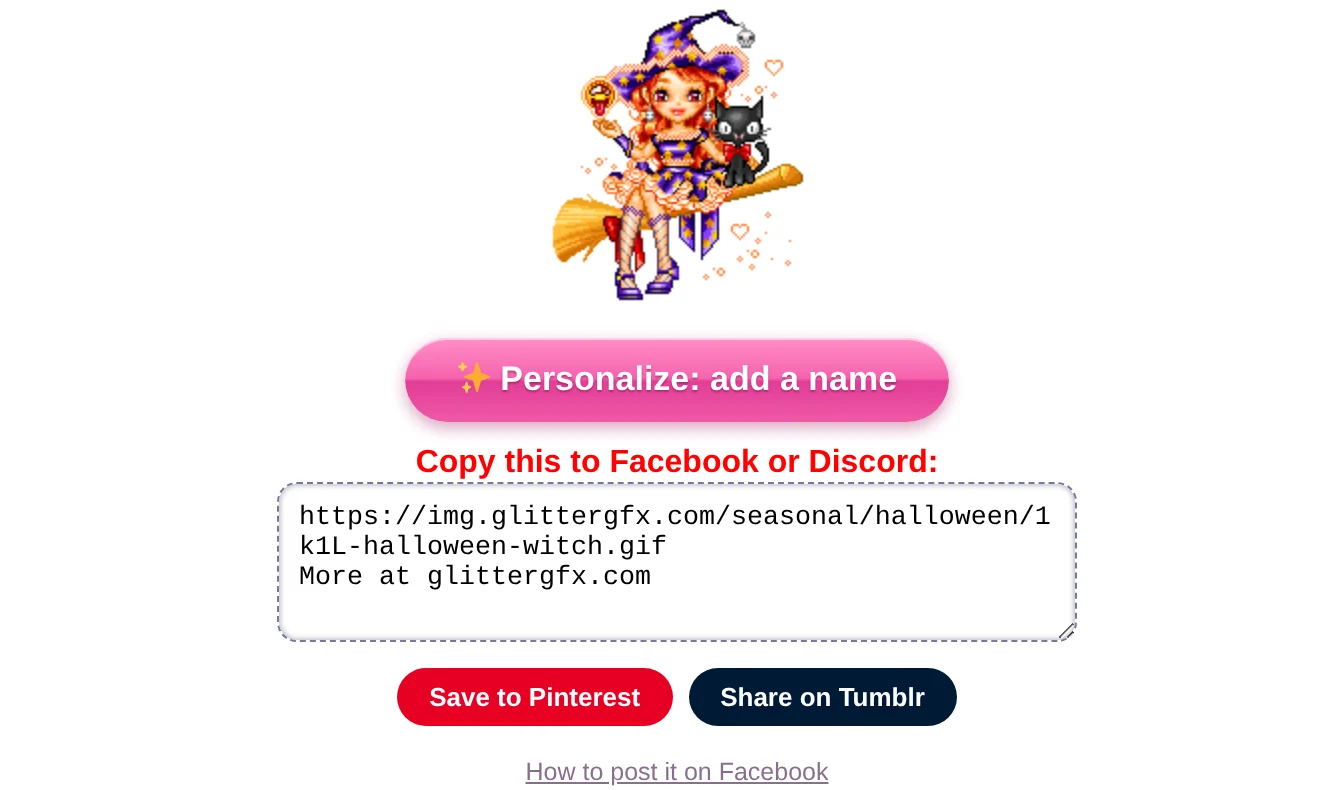
More about it, step by step: how to post glitter GIFs and glitter text on Facebook.
3 Send it on WhatsApp
WhatsApp shows no picture for a link, so there you send the GIF itself. Save it from the page of the graphic - on a phone, press and hold the graphic and save it - and send it as a photo. How to save it so it keeps moving is in how to save a GIF so it keeps moving.
Made your own in the Glitter Editor or the text generator? On a phone, Save to Photos or share (the editor) and Save or share (the text generator) open the list of apps, WhatsApp among them.
Black on black. Many Halloween graphics have a see-through background, and a lot of black in them. In a chat in dark mode, black on a dark screen can all but disappear: for a dark chat, pick a bright one, or one with a background of its own.
4 Put a name on it
Under every graphic for all ages is the pink button Personalize: add a name. It opens the graphic in the Glitter Editor: type a name, pick a font and a glitter, and save it as a GIF - "Happy Halloween, Emma!" on a witch of her own. How it all works is in how to put your name on a glitter graphic.
5 Happy Halloween in glitter letters
Open the glitter text generator, type Happy Halloween and pick a letter style. The box Copy this to Facebook or Discord gives a link that moves in a post; Make it one glitter GIF makes it one picture, to save or to send on WhatsApp.
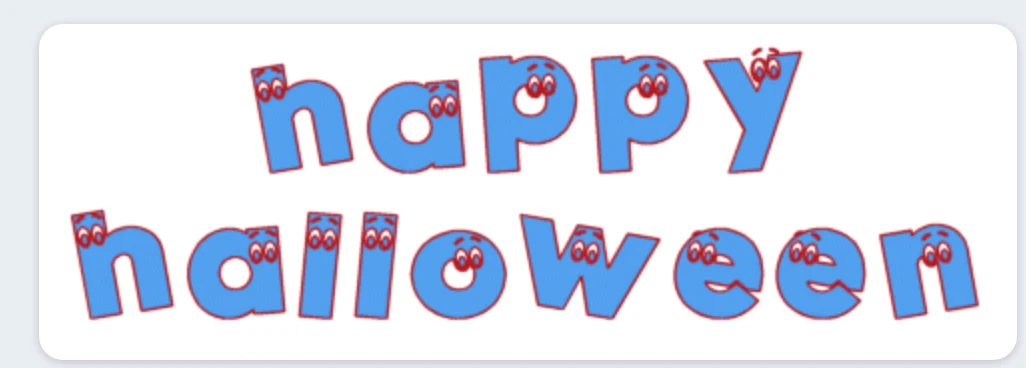
Want the letters in 3D? In 3D glitter text, the idea Happy Halloween sets it in purple glitter on a moonlit night - or pick Fire or Lava for letters that burn.
6 A spooky blinkie
In the Blinkie Studio, under Blinkies, pick Spooky - ghosts and pumpkins: "Boo!" on black, with a little ghost on one side and a pumpkin on the other. Type your own words, and download the GIF.
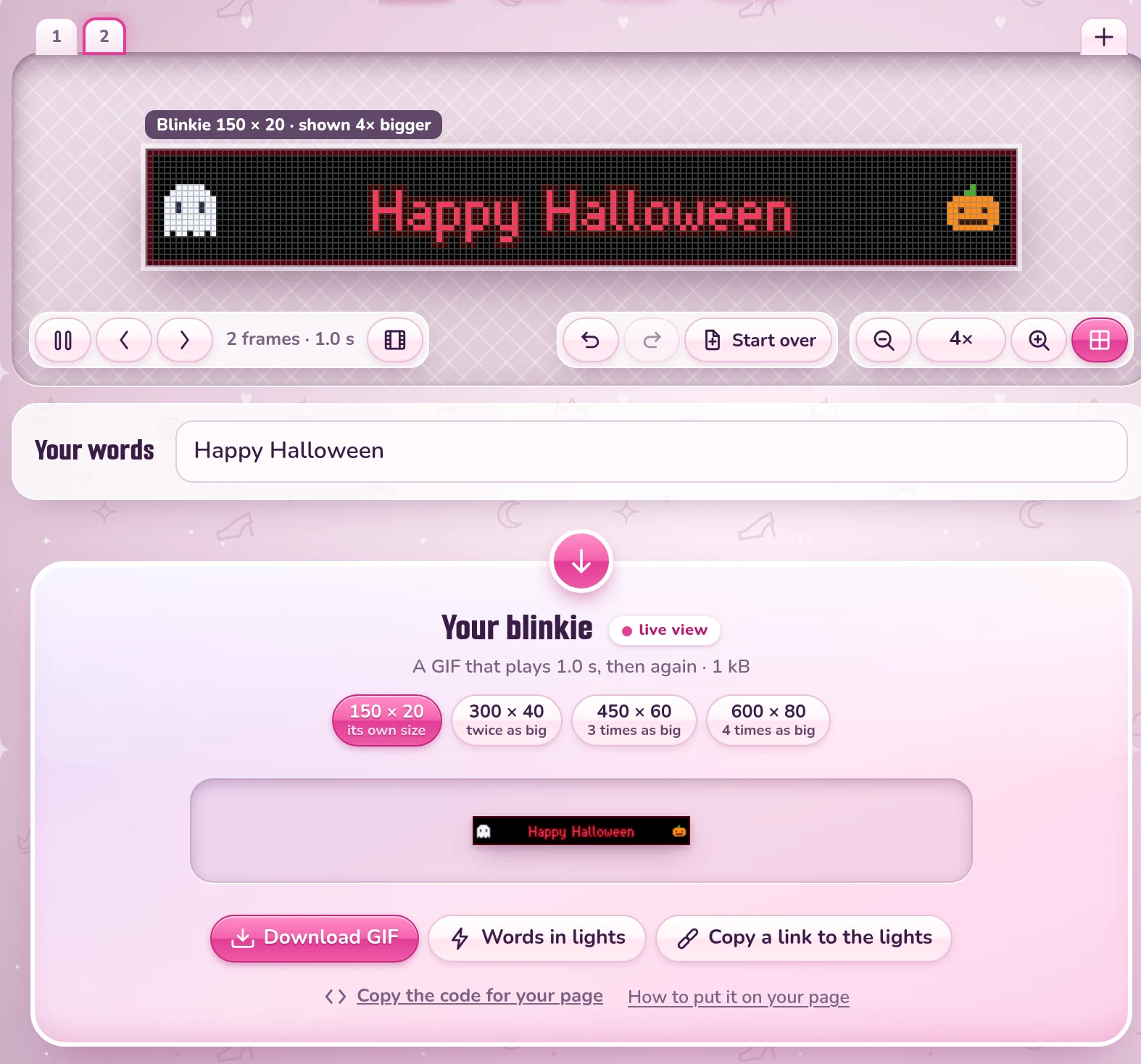
Or take one that is ready, like these two - there are more among the Halloween blinkies:


See the Halloween graphics or make a spooky blinkie
Good to know next
 How to post glitter GIFs and glitter text on FacebookThe link that moves on Facebook and Discord, and the GIF for WhatsApp.
 How to save a GIF so it keeps movingOn a computer or a phone, and why a screenshot stands still.
 How to put your name on a glitter graphicA name or a greeting in glitter on a graphic, a photo or an empty canvas.
 How to make glitter textYour words in glitter letters, for Facebook, a chat or your page.