

How to make glitter text
Your name, a greeting, a word you love - in glittering letters. The glitter text generator makes it while you type, in 36 letter styles, with all you need to put it on Facebook, in a chat or on your own page.
1 Type your words
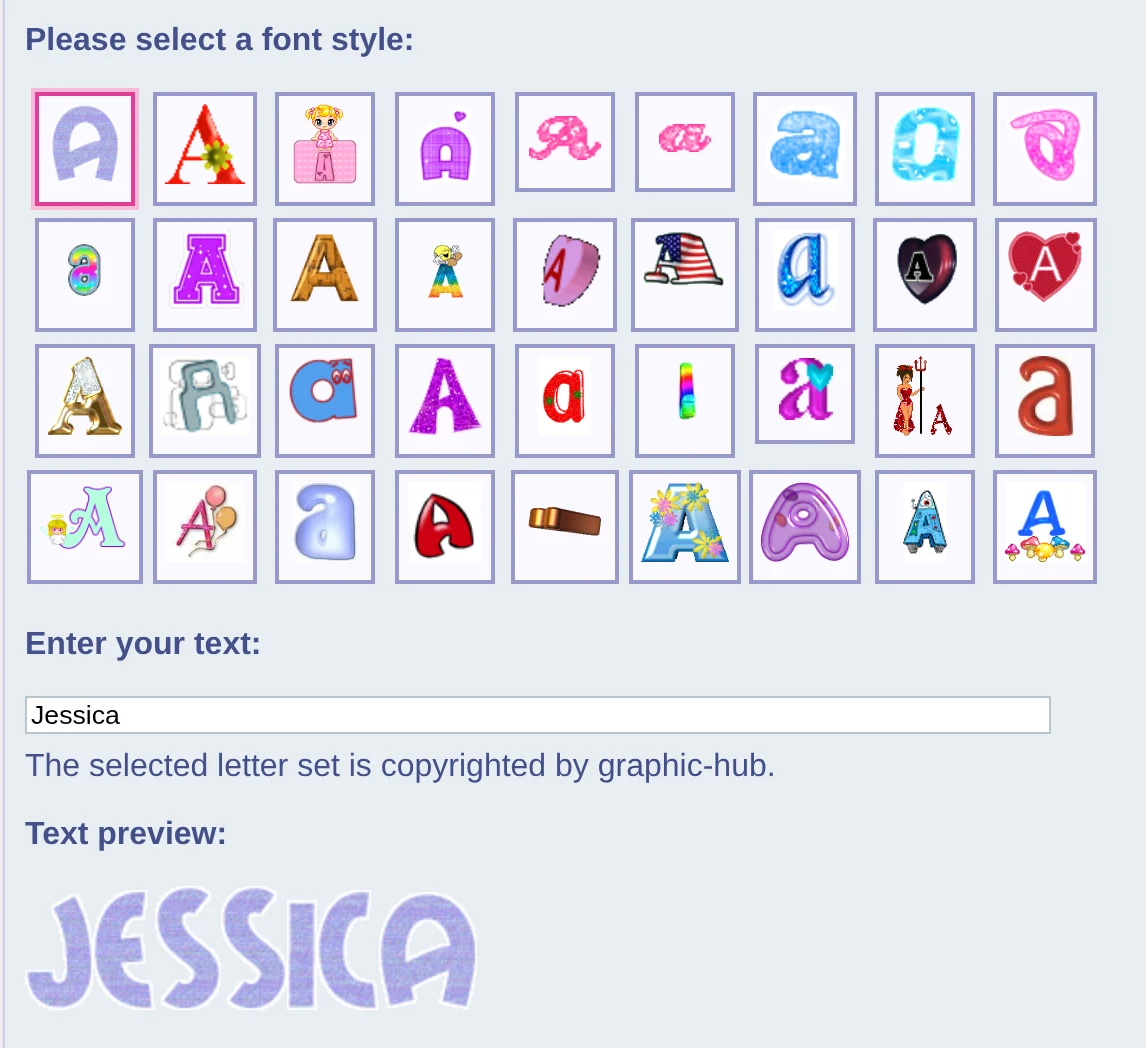
Open the glitter text generator and type in the box under Enter your text. Under Text preview your words appear in glitter right away, and change with every letter you type.
The glitter letters are a to z. A space, a number or any other sign becomes a little open space between the letters.
2 Pick a letter style
At the top, under Please select a font style, are the 36 styles: pink and purple glitter, hearts, flowers, gold and more. Click one, and the preview shows your words in it. Try a few - it is the fun part.
3 Take it where you want it
Under the preview is everything to take your glitter text with you:
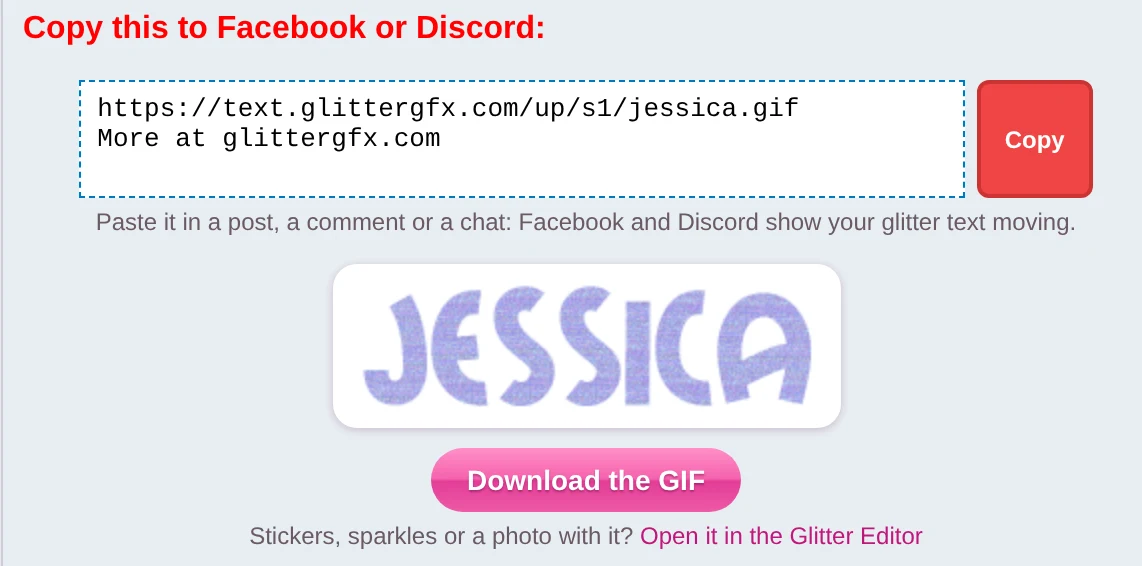
- On Facebook or Discord: click Copy next to Copy this to Facebook or Discord, and paste it in a post, a comment or a chat. Your glitter text shows up moving, with a link to Glitter Graphics. All about it in how to post glitter on Facebook.
- As one picture: click Make it one glitter GIF. Your words become one GIF, made right in your
browser; Download the GIF saves it as
glitter-text.gif. On a phone, Save or share lets you save it or send it to an app like WhatsApp. - On your website, blog or Neocities page: click Copy under Copy this HTML code and paste it into the HTML of your page.
- On a forum: the last box is BB code, for forums and for Glitter Graphics itself.
In the HTML code every letter is a little picture of its own, and together they are a link to the generator. For the word "Hi" in the first style it is this:
<a href="https://www.glitter-graphics.com/make/text" target=_blank><img src="https://text.glitter-graphics.net/blush_noise/h.gif" border=0><img src="https://text.glitter-graphics.net/blush_noise/i.gif" border=0></a>More than words
Stickers, sparkles or a photo with it? Under the GIF is Open it in the Glitter Editor: your words go along, in the editor's own glitter fonts, ready for stickers, sparkles and more. See how to put your name on a glitter graphic.
Good to know
- The link for Facebook takes at most 40 letters. For a longer text, make it one glitter GIF instead.
- A few words cannot go in a link. The box then says so, and the GIF is the way to go.
- In the GIF, a long text goes on to the next line, word by word.
- Some letter styles are copyrighted by the people who made them: the page asks you not to hand out the letter sets themselves.
Open the glitter text generator or see glitter text graphics
Good to know next
 How to post glitter GIFs and glitter text on FacebookThe link that moves on Facebook and Discord, and the GIF for WhatsApp.
 How to put your name on a glitter graphicA name or a greeting in glitter on a graphic, a photo or an empty canvas.
 How to save a GIF so it keeps movingOn a computer or a phone, and why a screenshot stands still.